Images
Batch-clean images with automatic detection and manual review.

Free, local AI watermark removal for macOS
Clean images and videos entirely on your Mac with built-in AI models. No upload, no subscription, no cloud queue.
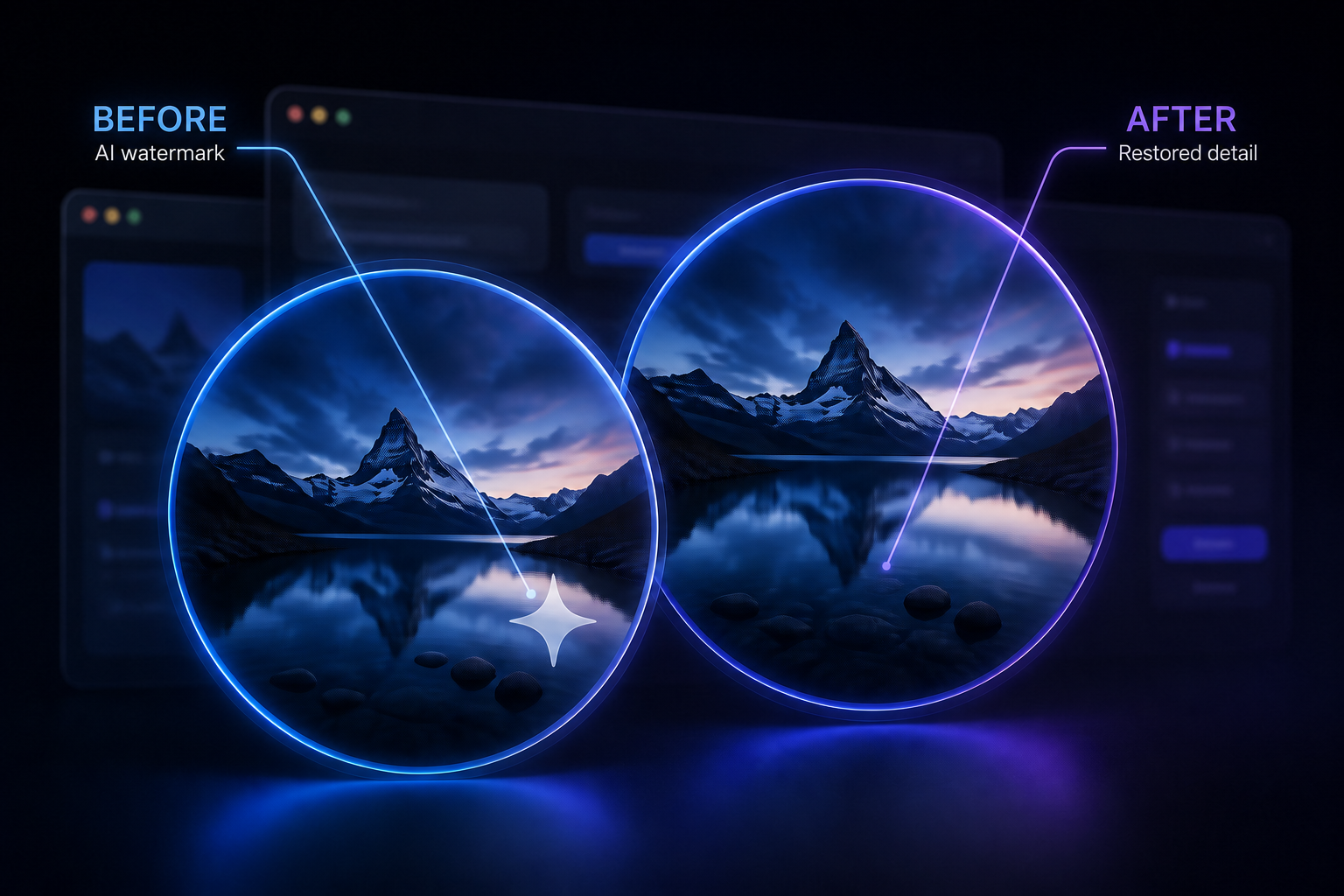
Batch-clean images with automatic detection and manual review.
Mark the watermark area and time range; AI fills only the selected ROI.
Supports common visible AI watermarks and creator platform marks. Select the area yourself for the most reliable video result.
The app handles supported visible marks with local AI inpainting. Results depend on the surrounding visual detail; always review exports.
Import a batch, identify marks, then review and save. It is quick and designed for normal photo workflows.
Drag files in or use the import button. Output defaults to Downloads unless you change it.
Let the app detect likely marks, then review the selection before clearing.
Run local AI inpainting and save the clean result to your selected folder.
Best for media you own or are authorized to edit. Complex text or subjects under a mark may need manual review.
Use frame thumbnails to choose exactly when and where a watermark appears. Small, precise ROI selections preserve speed and quality.
Import a video, scrub the timeline, and click a thumbnail to preview that second.
Use up to four adjustable boxes per frame. Tick a box to confirm it. Tick the same box on another thumbnail to copy the latest confirmed selection.
The app processes only checked frames and each selected ROI separately, then composites it back into the original video.
Video inpainting is computationally intensive. Watermarks that cover faces, fast motion, or large areas can require more time and may need review.
Measured on a MacBook Air M4 with 32 GB unified memory, using a 10-second 1080p AI video.
Test machine: MacBook Air M4 · 32 GB unified memory · 10-second 1080p video
Use the smallest practical ROI for the best speed.
FP16 is the default speed-first mode; choose FP32 when you prefer quality over time.
Video duration, resolution, selected seconds, and selected areas all affect completion time.
Your images and videos are processed locally; the app does not upload your media.
Internet is only used for optional referral validation and product updates, never to process media.
Referral protection uses a one-way device fingerprint hash, not your raw hardware identifier.
Watermark Factory has no subscription and no feature paywall.
Start with 100 combined image and video uses.
Each successful invited friend earns one additional use.
Invite three successful friends to unlock unlimited use permanently.
No. AI processing runs locally on your Mac.
Yes. There is no paid tier. You start with 100 uses and can unlock unlimited use by successfully inviting three friends.
Video restoration fills selected regions across frames, so time depends on resolution, selected duration, number of areas, and inference mode.
Results depend on the content behind the mark. Review your export, especially with faces, text, fast motion, or large watermarks.
Only process media you own or have permission to edit. Respect platform terms and the rights of creators.